Building the background, pt.2
January 15th, 2024
Contents
Recap
Last time, I covered the Three.js setup. Today, we will pick up where we left off: adding randomness. (Need to catch up? Check out the previous post).
Adding Randomness
Now that we have some stars and a styled canvas, it's time to add some randomness. Programmatic animations combine technical and design elements, and in order to keep the atmospheric feeling, I need to make some choices.
Namely: how much randomness do we want, and how often do we want it?
I found answers for those questions:
- change the spin and color of the stars.
- change them only on page update.
Here's how that looks in code:
Let's break this down a bit. In the first section, we have some function and constant declarations:
We add an array of floats (divisible by three) to represent our stars. We perform updates on the array, but we don't have to rebuild the array of points each time we render the page, so we declare them at the top level of the component. We also declare an add and subtract function, which will come in handy in a moment.
In the next few lines, let's add some functions for spin speed and direction, as well as a color randomizer from the color palette.
Last, but not least, we'll stitch them all together into a starSpinAndColor
function, which passes updated values for the x, y, z, and color keys.
Order from chaos
After creating all of those functions, we add them togther into React's
ecosystem, like so:
We need to know what page we're on, so we use the usePathname hook from
Next.js. Three.js needs a ref, so we create one for it. There's an interplay
between Three.js and React's shadow DOM, and the ref helps them play nicely.
Next, we provide a default state for our animation and color values with the
useState hook and starSpinAndColor function. This works with the useEffect
hook below, updating our animation and color values only when we change the
page (reloads of the page will also trigger a randomization).
Lastly, we pass that data into the useFrame hook from
React Three Fiber's hooks.
This function does some math to update the x, y, and z rotation values of
the stars/Three Canvas on every render. We either add or subtract the current
coordinate with the result of the delta value divided by a randomized spin speed
constant.
The animation and color values change out on every page navigation, giving us a subtle mood shift and unique experience every page.
Accessible animations
Pretty straightforward stuff here, so long as you're willing to do the work.
Check out
Josh Comeau's blog post
on prefers-reduced-motion, and implement it.
If a website visitor has prefers-reduced-motion media query/OS level
preference active, the stars will deactivate. The stars also deactivate on the
blog, because text + lots of twinkling & spinning lights would be too much, and
further, so do all of the react-spring based animations.
After we turn off the heavy animations, it's worth a check to ensure the rest of the page is accessible as well. Ensure that you're at 100% accessibility via pagespeed.web.dev. It's not only the page-ranking thing to do, it's also the right thing to do.

Performance is expected to take a hit on mobile, but accessibility should be unaffected by client differences.
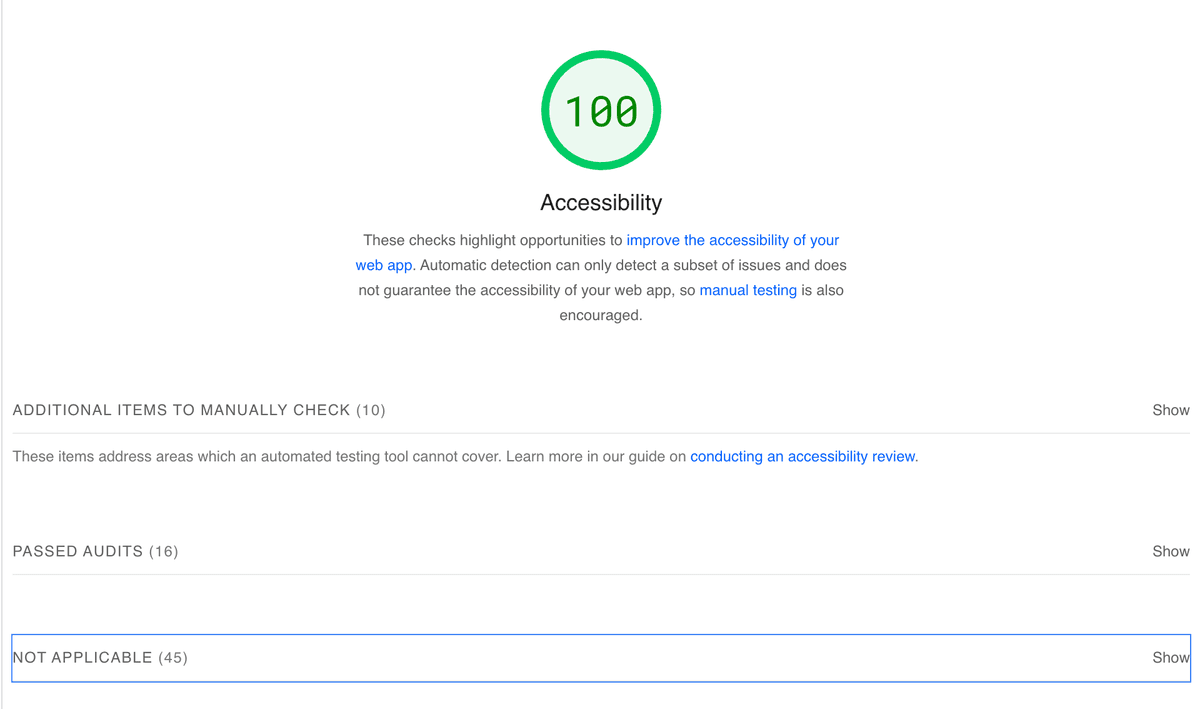
With all the tools at our disposal, driving a11y + animations is straightforward.
Next time, we'll dive into the neverending quest for web performance. Catch you soon!